Create with FernivoDesigns
Create with PNG clipart
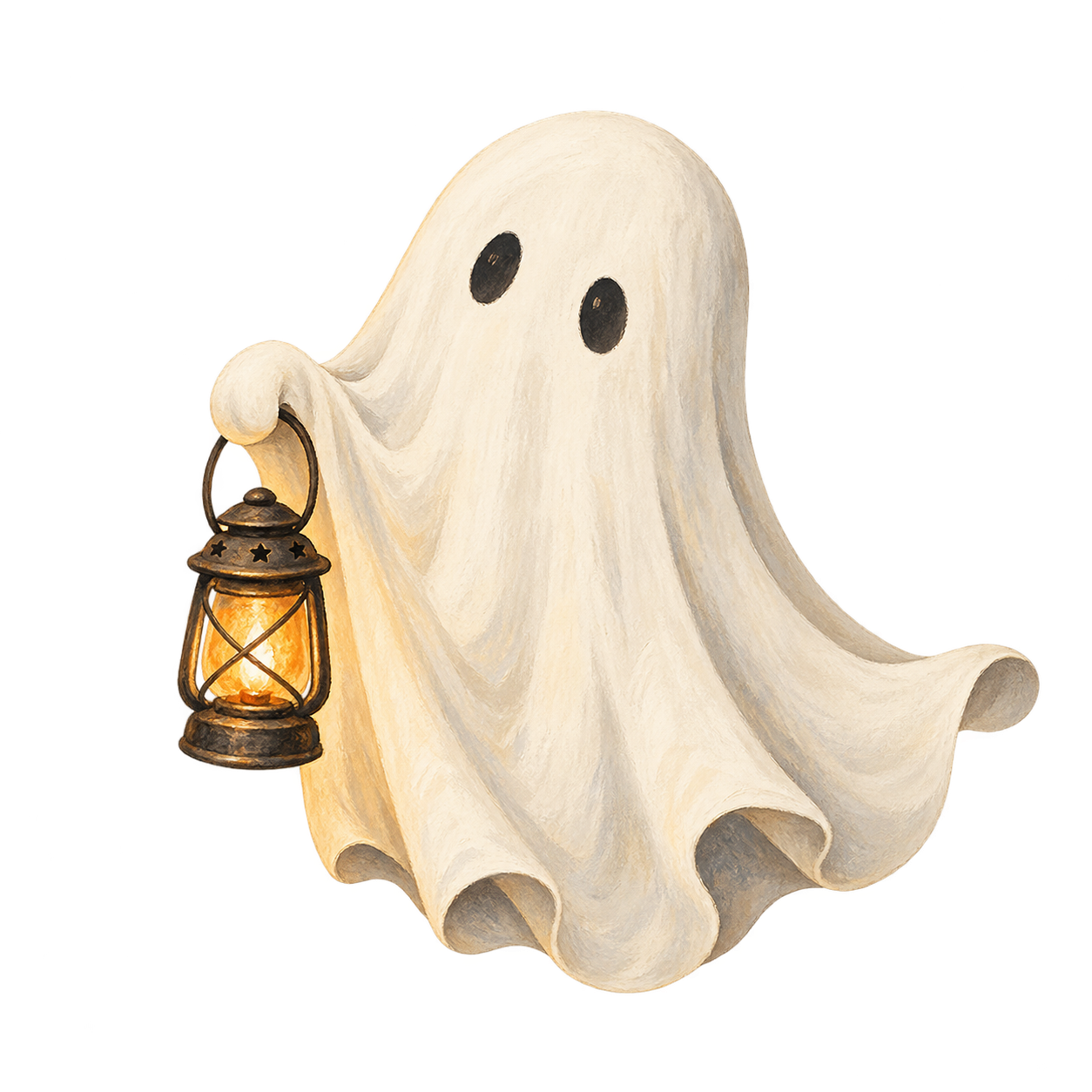
A PNG clipart is an individual image you can place in a design application. You do not need drawing skills. A transparent illustration can help you put together a small greeting card.
By FernivoDesigns · Updated 15 September 2026
PNG, JPG or SVG: what is the difference?
PNG can have a transparent background, leaving the area around the illustration clear. The format alone does not guarantee transparency. JPG does not support a transparent background. SVG can contain vector paths. Renaming a PNG does not turn it into a cutting file.
Create a little card
Unzip and choose an original file
Extract the download on your device. Use an individual PNG, not a promotional image or screenshot. A promotional image may have text, a background and several illustrations flattened together.
Create a document at your chosen size
Decide how large the finished card should be. A small flat 10 × 15 cm card is one possible practice size. This is your own layout; the free mini set does not include a ready-made card template for it.
Import the PNG
Use design software that supports PNG images, such as Canva. Upload the file from your device and add it to your document. Button names may vary between applications and versions.
Check transparency and placement
Temporarily place a coloured shape behind the illustration. If a white rectangle or checkerboard remains visible, check that you selected the transparent original. Leave room around the card edges and space for your message.
Keep an eye on image size
Resize from a corner to preserve proportions. PNG is a pixel image, so large enlargements can look blurry. At a width of 10 cm, approximately 1,181 pixels gives 300 pixels per inch. This is a reference, not a guarantee of a particular print result.
Save as a PDF and make a test print
A PDF with your chosen paper background is sufficient for the finished card; you do not need a transparent export. Reopen the saved file and check text, margins and illustrations before printing.
Common pitfalls
Changing the DPI number does not create new image detail. The existing pixel count and output size are what matter. Small illustrations are not automatically suitable for huge prints.
PNG does not automatically mean “cutting-machine ready”. For precise cut lines, use suitable cutting files or create your own contours in your software. The free PNGs are not ready-made cutting paths.
Each set has its own licence. Our free mini set is for personal use. Purchased bundles have their own terms; you may not simply redistribute the original files as a download of your own.
More designs for your project
If you enjoy arranging your own designs, explore our Clipart bundles collections. For ready-to-print tags without creating a layout, see the printing guide with free PDF.
Supported file formats: Canva’s supported upload formats. This general guide does not require a paid Canva feature.