
Create with FernivoDesigns
Print your own gift tags
A little tag makes simple wrapping feel personal. Here is how to print our three Halloween tags at the right size and finish them neatly.
By FernivoDesigns · Updated 15 September 2026
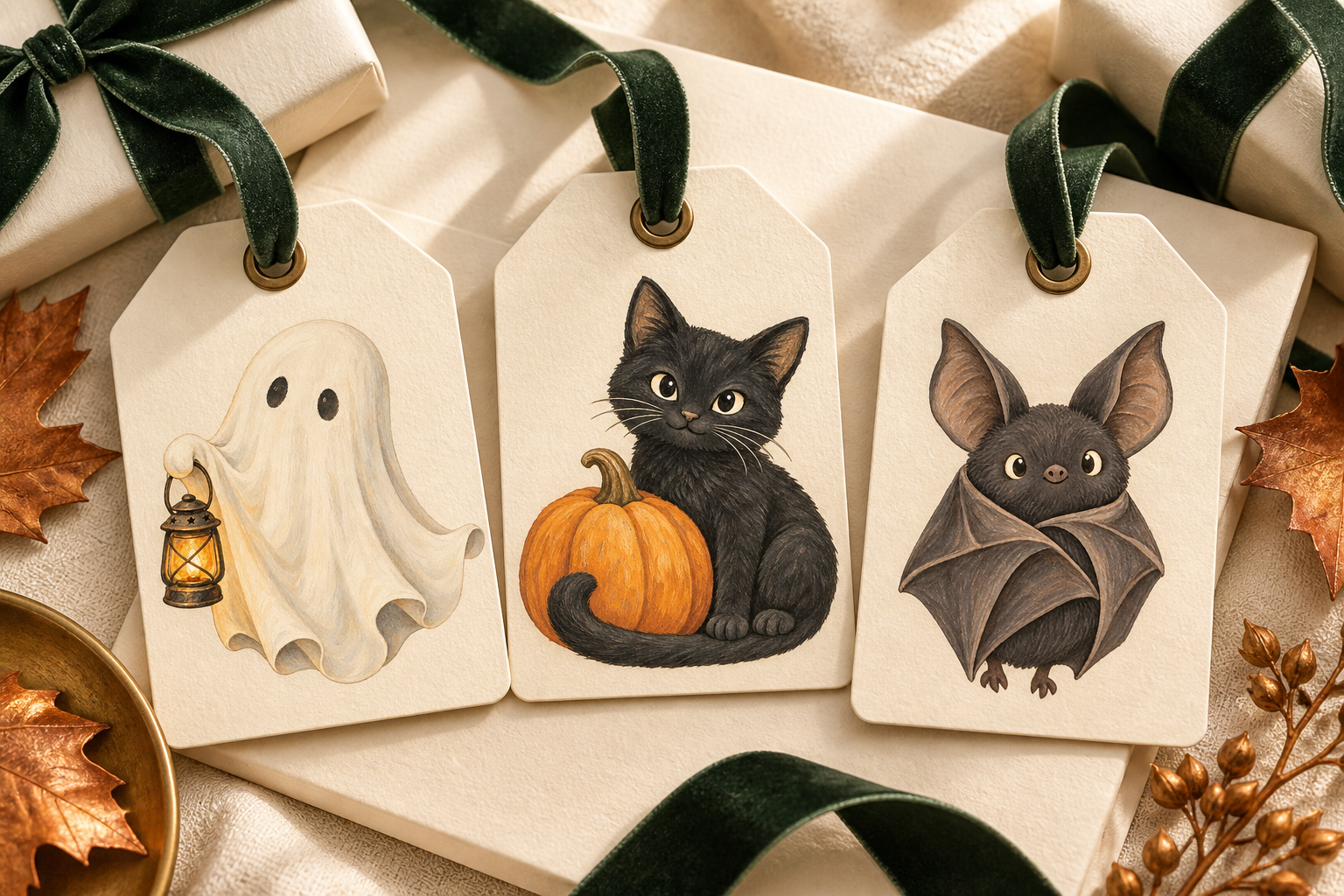
What you need
- The A4 or US Letter sheet and a PDF reader.
- Paper your printer can handle. Thicker paper makes a sturdier tag, provided your printer supports it.
- Scissors, a hole punch and a piece of ribbon.
No printer? Ask a print shop to print the PDF at actual size. Check the price first; printing is not part of this free offer.
Five steps to your finished tag
Open the correct paper version
Choose A4 for A4 paper and US Letter for Letter paper. Open the downloaded PDF itself, not a screenshot of the preview.
Keep the original size
Select “Actual size” or 100% in the print dialog. “Fit” may shrink or enlarge the template. Check the paper size and print preview too.
Print one sheet first
Before cutting, measure a tag: it should be 5.5 cm wide and 9 cm tall. If it is not, correct the print settings before printing more sheets.
Cut out and punch
Cut along the outside edge. Punch a hole at the top centre, leaving enough paper around it to avoid tearing. Keep the illustration clear of the hole.
Write and attach
Write your message on the back. Thread ribbon through the hole and tie the tag to your gift. Dark green ribbon suits the warm colours; natural twine gives a simpler finish.
If the print does not look right
- The tag is too small.
- Check the scaling. “Fit” is often selected instead of 100%.
- Part of the edge is missing.
- Check the paper version and print preview. Printers usually have an unprintable margin; do not force borderless printing if your device does not support it.
- The colours look different.
- Screens and printers reproduce colours differently. Print a test sheet on your intended paper first.
Want to arrange the designs yourself?
The complete free mini set also includes three individual PNG illustrations and instructions. Our PNG clipart guide shows how to use them in a small paper project of your own.
Print settings checked against Adobe’s page scaling guide. We have not physically test-printed this set.